Published · Updated
Post your clinic’s locum shifts on OpenLocum

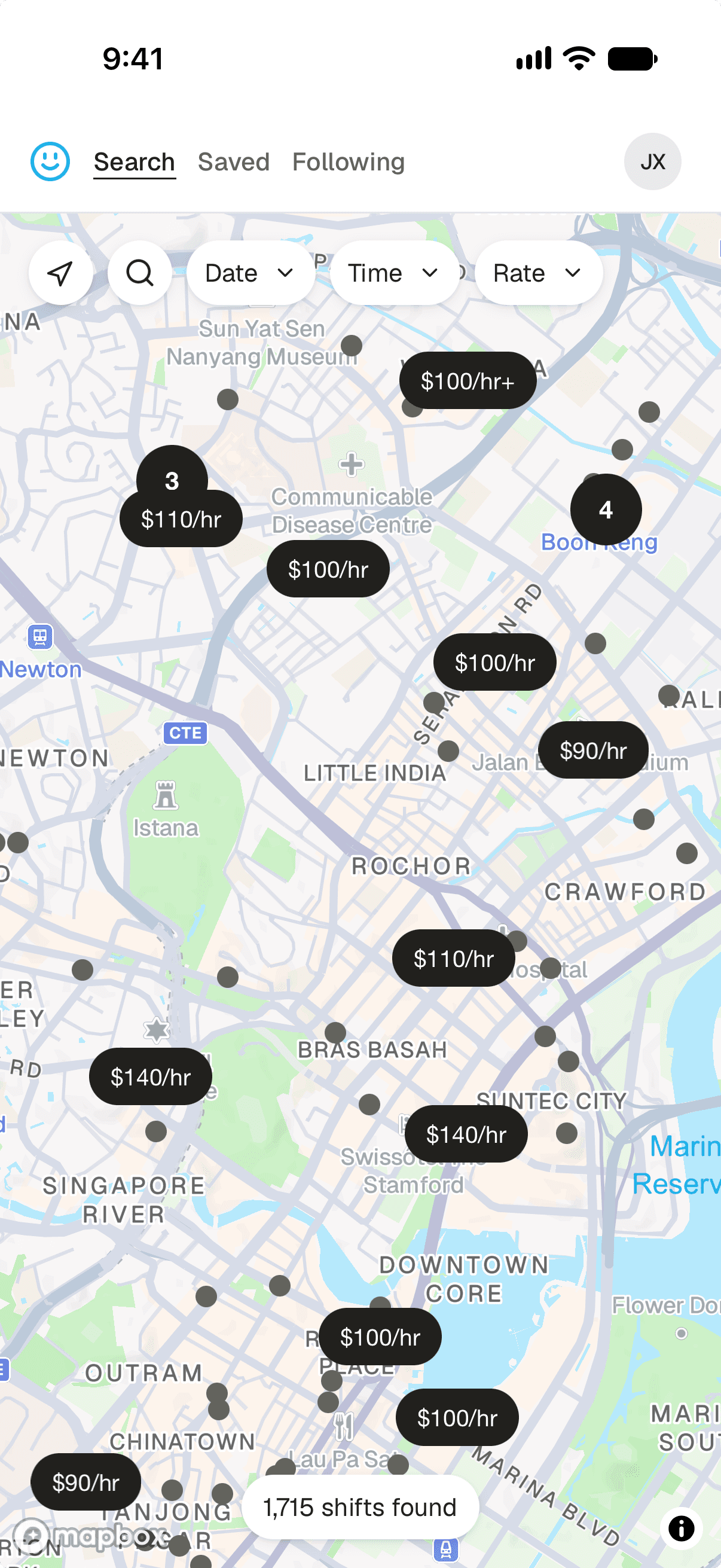
If your clinic is hiring a locum doctor, you can submit the shifts directly to OpenLocum through our official Telegram channel. Our AI agent monitors the channel, extracts the details from your post, and turns each dated session into a listing doctors can find on our website.
Posts from this channel are prioritised and boosted on OpenLocum. A complete post should normally appear on the website within a few minutes.
1. Join the OpenLocum Telegram channel
Open the invite below in Telegram and join the channel. Recruiters and clinic operators can post shifts there; you can also use the channel to ask questions about the platform.
Join the Telegram channel2. Use this posting template
Use the template below to post your clinic's shifts in Telegram. Replace the example details with your own.
Example Medical @ Ang Mo Kio
- Mon, 24 Aug · 9:00am–1:00pm · $120 · 4–6pph
- Wed, 26 Aug · 2:00pm–6:00pm · $130 · 3–5pph

Example Medical @ Tampines
- Tue, 25 Aug · 6:00pm–10:00pm · $140 · 5–7pph

Contact: 9123 4567 (WhatsApp / Telegram)
Write naturally, but make each of these details explicit. Clear labels help the agent match the right shifts to the right clinic.
- Clinic and branch: use the clinic's full name and state the branch when the group has more than one location.
- Exact dates and times: give a calendar date, start time, and end time for every session. A recurring phrase such as “every Monday” is not enough for a dated shift listing.
- Rate and patient load: state the hourly rate and expected patients per hour (PPH). If you are offering a fixed amount for the whole session, label it as a flat or session rate.
- How to apply: preferably add a phone number and state whether doctors can reach it through WhatsApp or Telegram. You may also use a Telegram handle or application link.
- Useful context: optionally mention the clinic system, expected patient load, whether there is a second doctor, or any break arrangements.
3. Check your listing
After posting, allow a few minutes for the pipeline to process your message.
If something is missing, post a fresh, complete correction in the Telegram channel and clearly identify the clinic and shift again. You can also ask for help in the channel.
Ready to check your listing?
Search OpenLocum for your clinic and confirm that the dates, times, rate, and contact method are correct.